01
Flex one arm
Raise one upper arm comfortably and bend the elbow so the forearm points upward or inward. Keep your shoulder relaxed and leave the full arm in frame.
Photo
Keep the face, upper body, and both arms clearly visible.
Good light and an unobstructed view of the arms can help the pose read clearly.
Make one video for just $6.90
See more offersUpload one photo and create a Bicep Heart AI video. The pose is built in, and your credit cost is shown before you generate.
POSE GUIDE
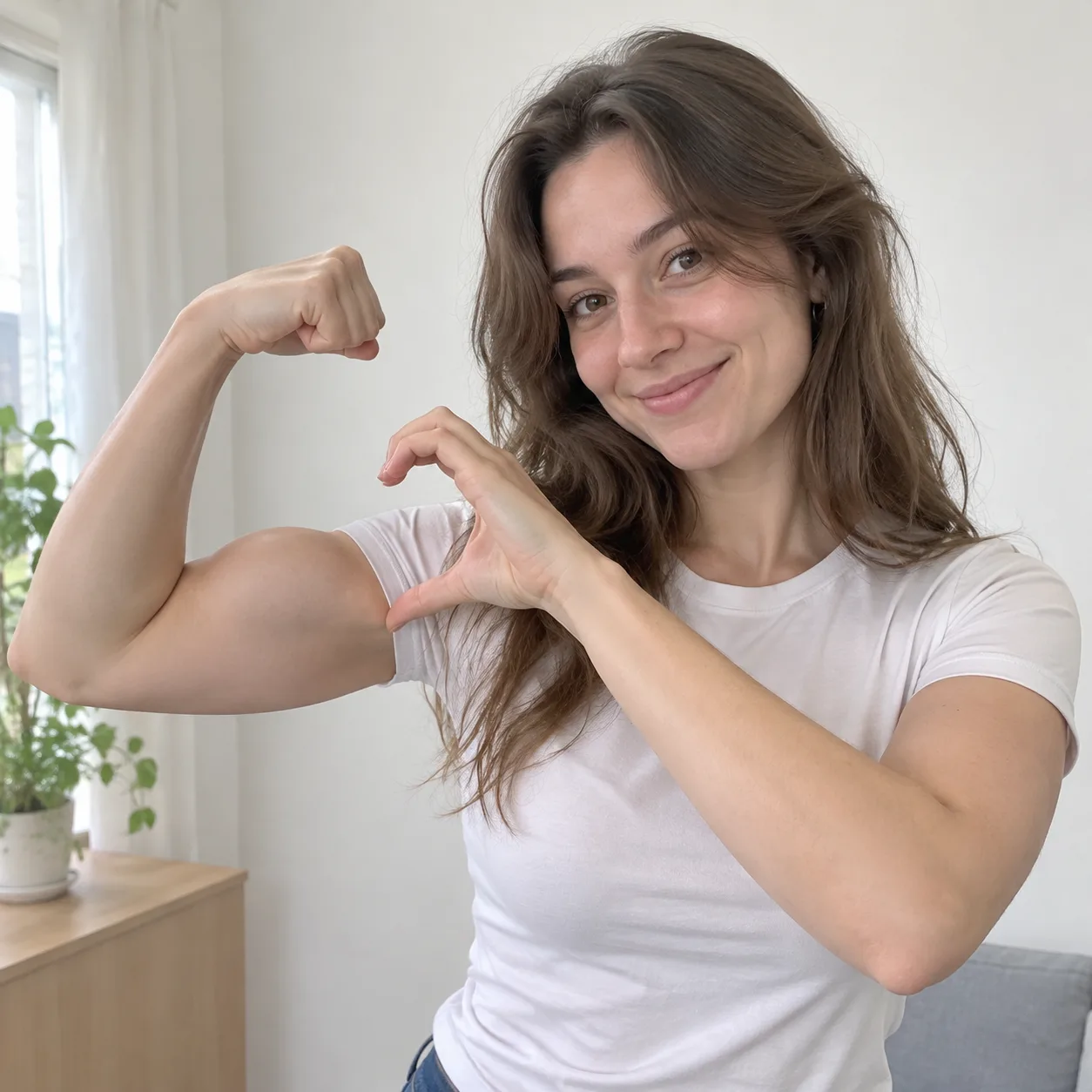
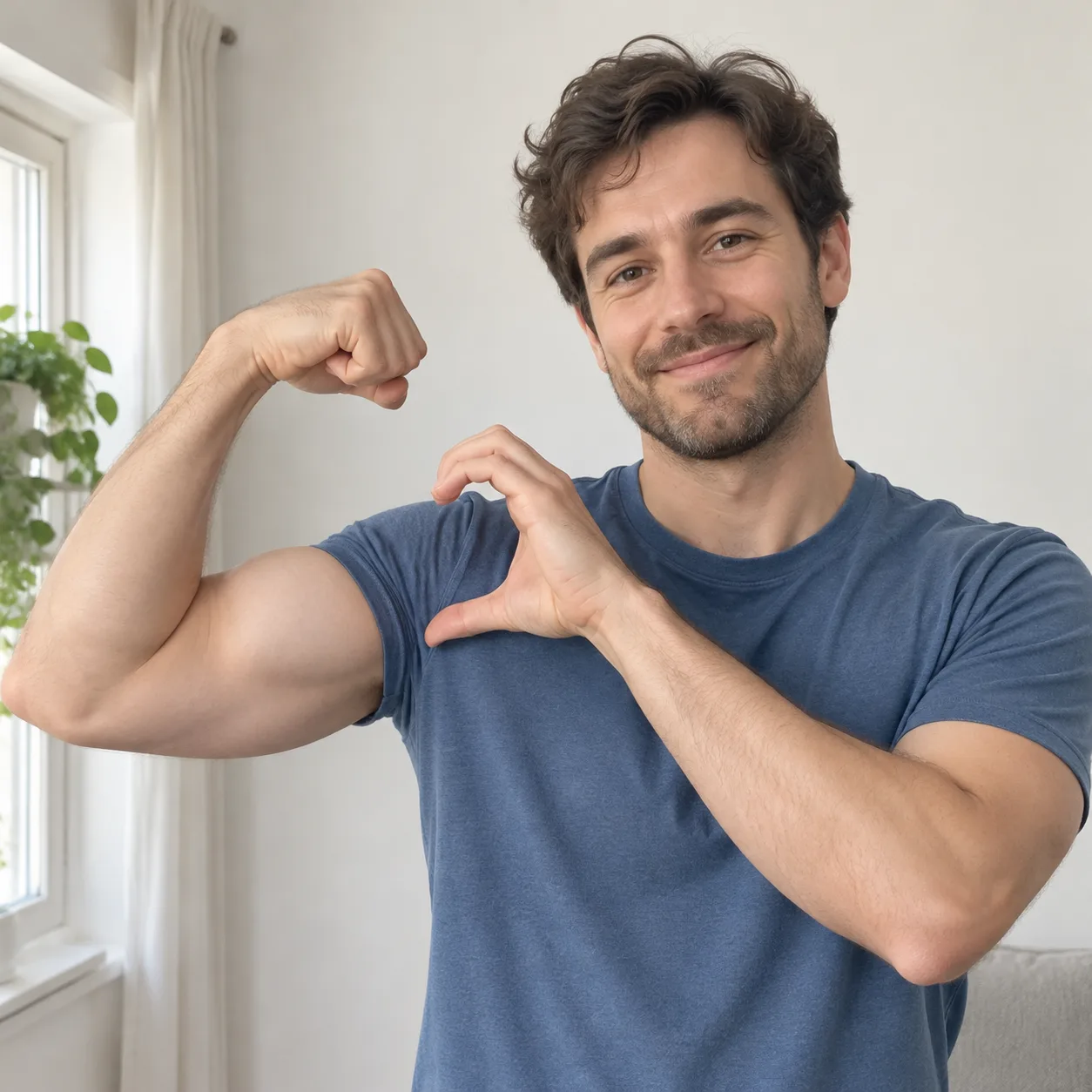
Also called the bicep heart trend, this pose combines one bent, flexed arm with the other hand curved into a heart beside the bicep. Hand placement can vary; the key is keeping the arm and heart outline easy to see.
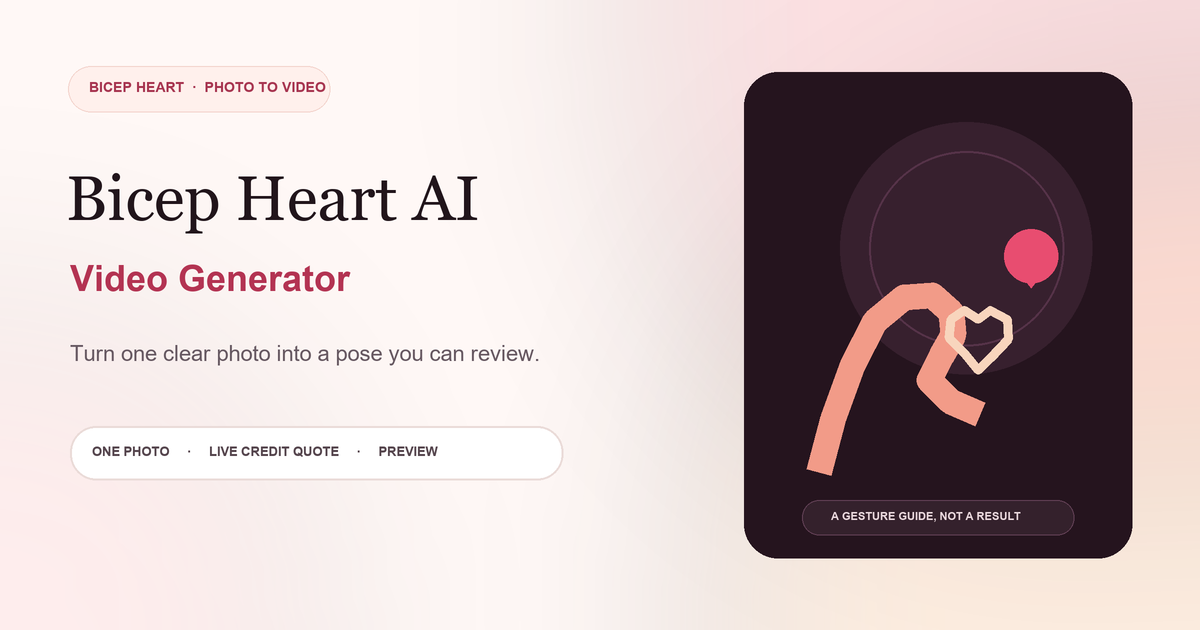
Raise one upper arm comfortably and bend the elbow so the forearm points upward or inward. Keep your shoulder relaxed and leave the full arm in frame.
Bring your other hand beside the bent upper arm. Curve your fingers and palm around the bicep so the hand and arm create a heart-like outline.
Keep the hand close to the bicep without covering it, then pause so the arm and heart outline are easy to read. A clear silhouette matters more than a perfect hand shape.
PREPARE YOUR PHOTO
Use a JPG, PNG, or WebP photo up to 10 MB. A front-facing or slightly angled view works well when the face, upper body, elbows, hands, and fingers are visible and not cropped.
Choose a sharp image where the face, upper body, arms, and hands are easy to distinguish.
Avoid cropping the elbows or fingertips. A little space around the arms helps the pose read clearly.
One clearly visible person and a background with few distractions make the arm-and-hand gesture easier to follow.
Soft, even light helps separate the face, fingers, and arm from nearby shadows and the background.
Before you submit, check the image in the studio preview. Leave a little margin around the shoulders, elbows, hands, and fingertips; details near the edge can be hard to read if they are cropped. The generator adds the bicep-heart pose automatically. Review the image and current credit quote together, then submit when both look right.
THE WORKFLOW
The photo-to-video workflow starts with one clear image. Review the quote and video settings shown in the studio, then submit to create the bicep-heart pose video.
Sign in, upload a JPG, PNG, or WebP image, and check the preview. Make sure the face, upper body, elbows, and hands are visible before continuing.
The studio shows your current credit quote, balance, and video settings. The bicep-heart motion is included automatically; submit the photo when you are ready.
When generation is complete, review the clip in the preview panel. Play it, download it, or share it if it fits your idea; the available settings can change over time.
PAY PER GENERATION
If a generation fails, its credits are returned automatically. Add credits from the studio whenever you need more.
See pricing detailsFAQ
Quick answers about the pose, photos, credits, and your video.
The bicep heart pose combines a flexed, bent arm with the other hand curved beside the bicep to suggest a heart. Online posts also call it the bicep heart trend.
Bend and raise one arm, bring the other hand beside the bicep, and curve your fingers around it. Keep the arm and hand visible so the outline reads clearly.
Yes. Upload one photo in the Bicep Heart AI video generator, review the quote and settings shown in the studio, then submit it to create a video preview.
Use a clear JPG, PNG, or WebP image up to 10 MB. Keep one person, the face, upper body, elbows, hands, and fingers visible with even light and minimal overlap.
No. Upload your photo and generate. The bicep-heart movement is included automatically.
The current credit quote appears in the studio before you submit. Sign in to view the quote for your account, and add credits through the available top-up packs when needed.
When the video is ready, play it in the studio preview. Use the download control to save the result or share it from your device.
If a technical failure prevents a generation from completing, the credits for that attempt are returned automatically through the failed-task flow.
Choose a photo, check your credit quote, and make a bicep heart video.
Open the creation studio